
Demo
http://demo.tortraffic.com/wordpress/latest-post-boxes-demo/
<section id=”features”>
Features
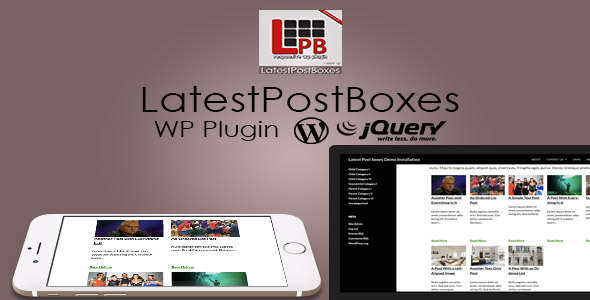
With Latest Post Boxes you can display your latest posts are nice “boxes” and :
Specify the number of columns(3, 4,5 )
Select the number of posts you want to displayed
Specify the Title of Color, Font Weight
You can automatically trim the title (if you are using big post titles)
Show an Excerpt of the post
Show or hide a “Read More” button
Select the order you want the posts to be displayed
Use the shortcode directly on your template or on a single page
</section>
<section id=”how_to_install_it”>
How to
Demo
http://demo.tortraffic.com/wordpress/latest-post-boxes-demo/
<section id=”features”>
Features
With Latest Post Boxes you can display your latest posts are nice “boxes” and :
- Specify the number of columns(3, 4,5 )
- Select the number of posts you want to displayed
- Specify the Title of Color, Font Weight
- You can automatically trim the title (if you are using big post titles)
- Show an Excerpt of the post
- Show or hide a “Read More” button
- Select the order you want the posts to be displayed
- Use the shortcode directly on your template or on a single page
</section>
<section id=”how_to_install_it”>
How to Install It?
1)Upload Files on wp-content/plugins directory using an FTP program like Filezilla or CyberDuck
2)Enable the Plugin by going to Plugins -> Installed Plugins and press Activate on Plugin Latest Post Boxes
</section>
<section id=”how_does_it_work”>
How does it Work?
Navigate to Settings -> Latest Post Boxes to generate the shortcode for the Latest Post Boxes.
You can see all the options you have there for the boxes (on how to displayed)
Press Generate Insertion Code and you will get 2 code, one to use on your pages or posts and one other to use it directly on your theme.
</section>