
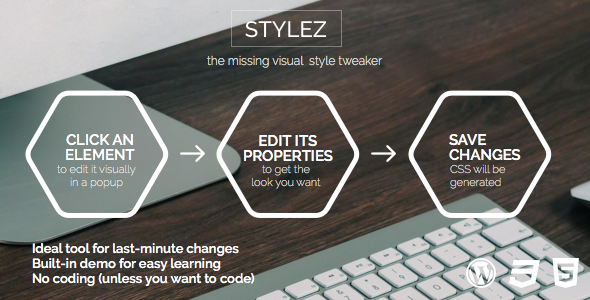
Installation and usage
Installation, recommended way:
Download a plugin file from CodeCanyon.
Log into your WordPress admin area.
Go to “Plugins”, click “Add new” link at the top.
Click “upload”, choose a file downloaded in the file selector field and submit the form.
Click “Activate” next to STYLEZ.
STYLEZ plugin’s interface will be available to admins (only)
at your site frontend.
Installation, second way:
Download a plugin file from CodeCanyon.
Unzip the plugin archive.
Open FTP client of your choice, upload the folder unzipped to your WordPress
installation’s wp-content/plugins folder. Make sure you did no